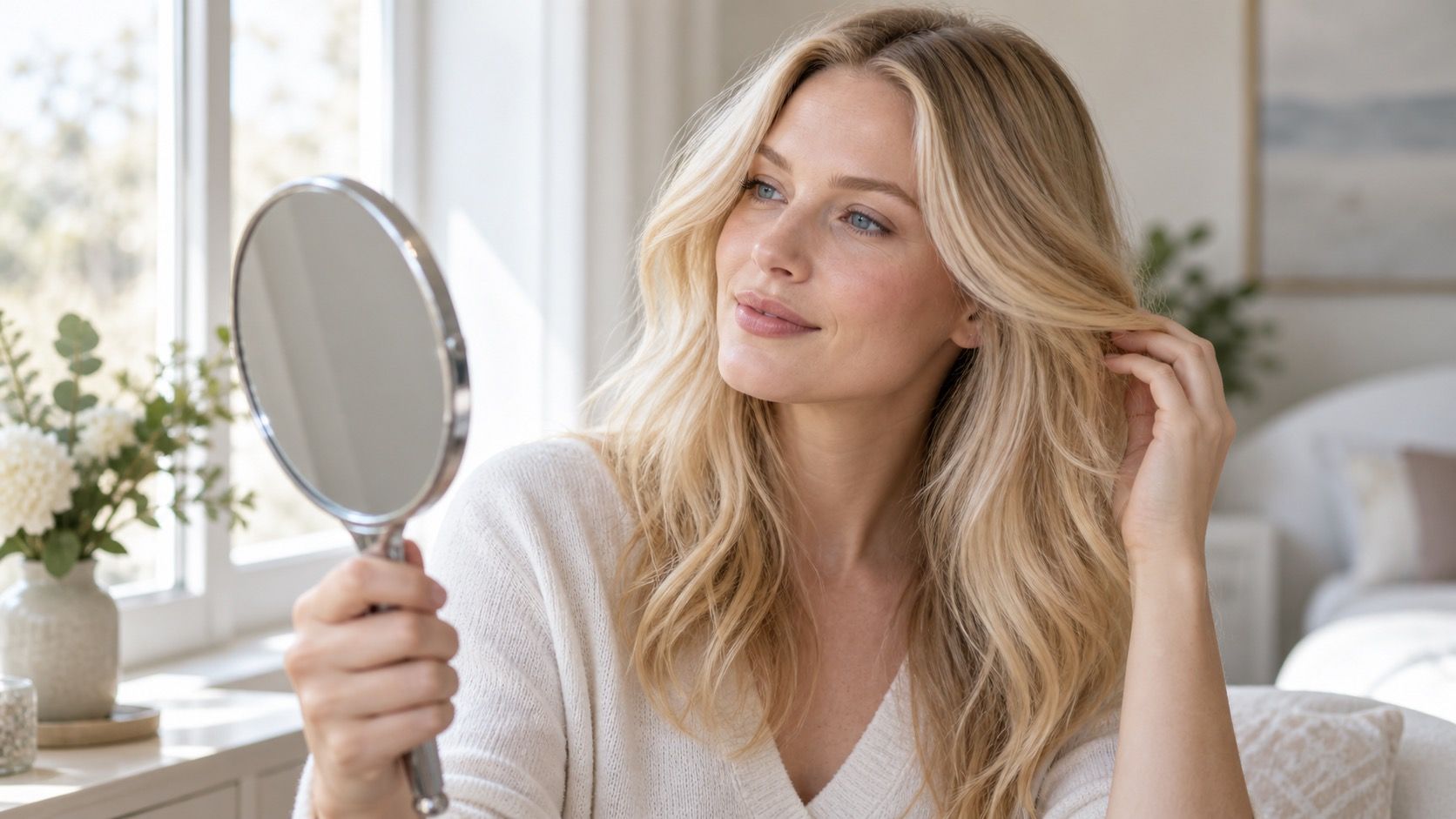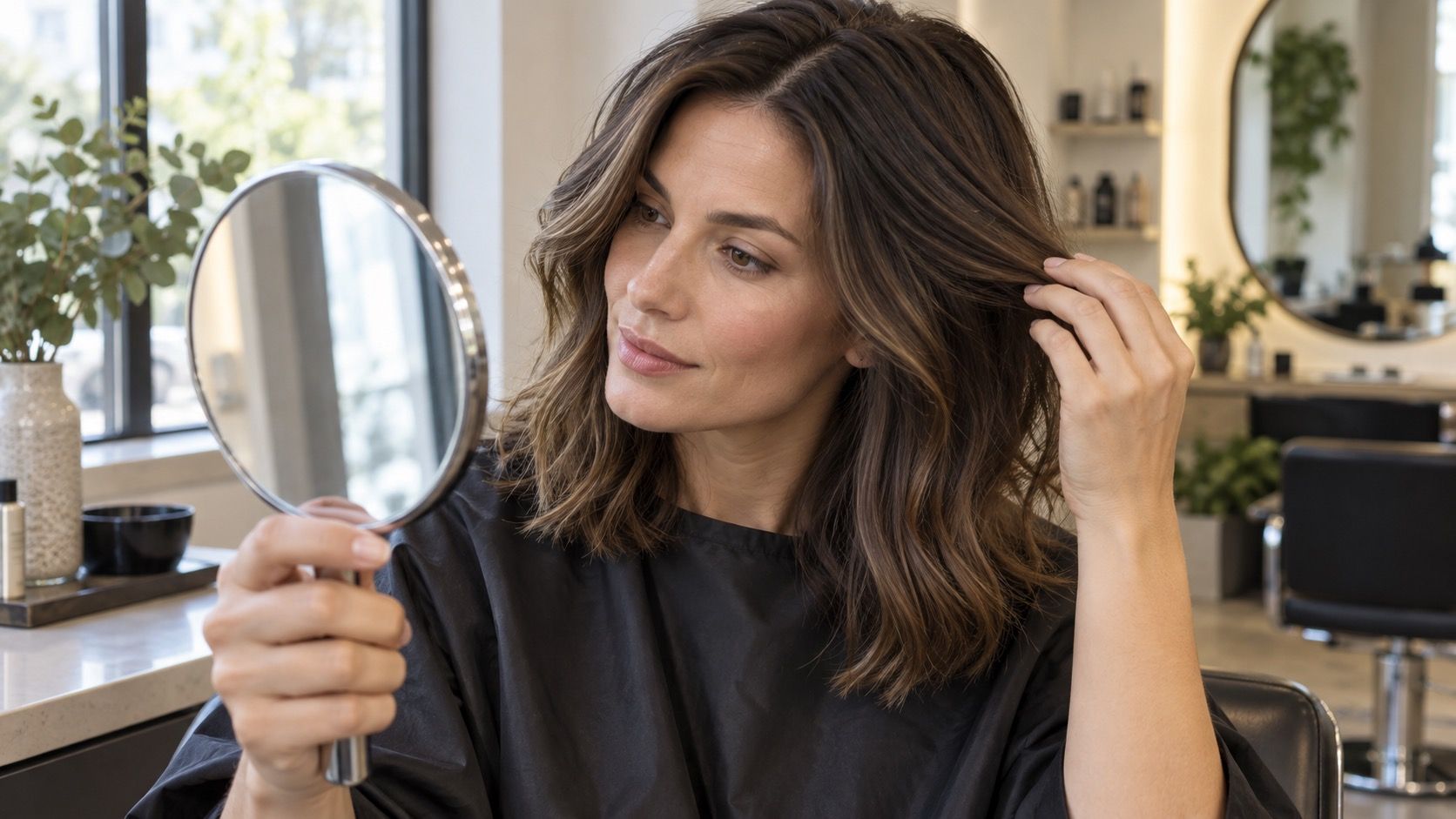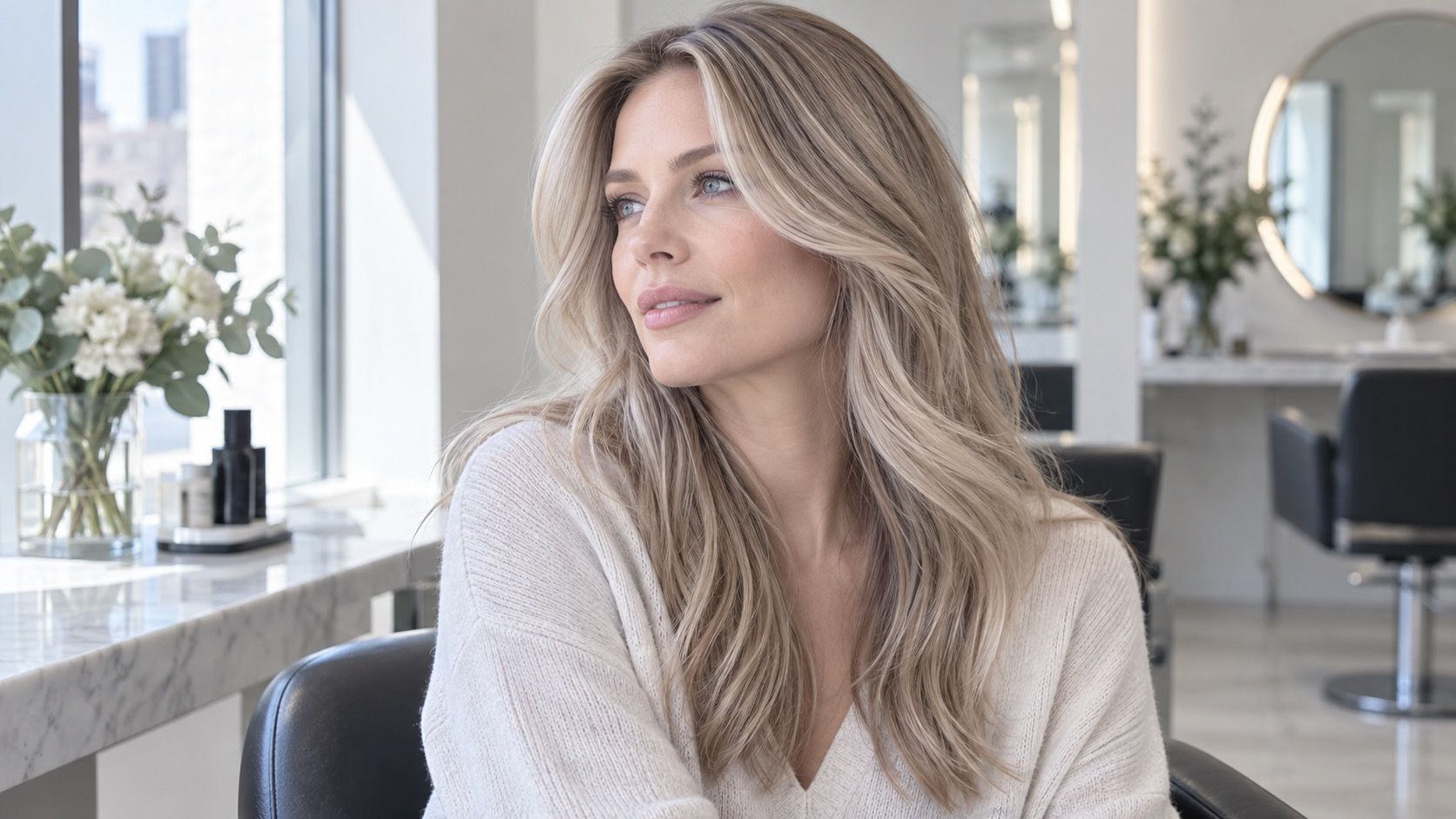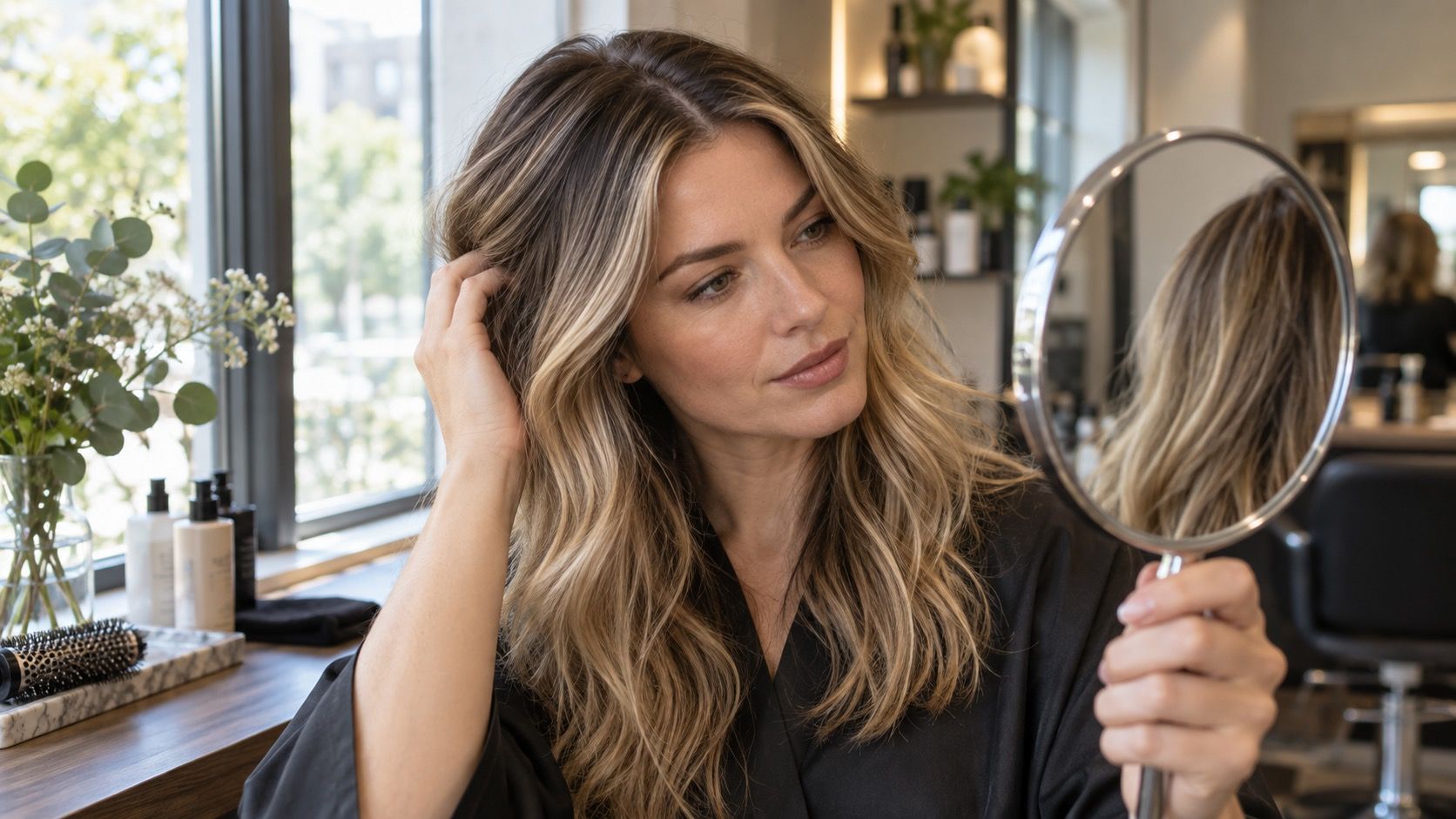
A hair color simulator is useful when it helps you notice direction: lighter or darker, warmer or cooler, softer or clearer. It becomes misleading when a filter is treated as a salon prediction. The image has borrowed your face, flattened your hair texture, guessed at shadows, and often brightened the area around the eyes. Read the result as a conversation starter, then test the details that will decide whether the shade still works on a Tuesday morning in ordinary light.
What the simulator is actually changing
Most hair colour filters place a smooth block of color over the hair shape detected by the camera. That is why the result can look impressively tidy around the jaw and oddly perfect at the ends. Real hair has translucent highlights, uneven density, old color through the mid-lengths, and a root that reflects light differently from the crown. A cool medium brown on a simulator may be one clean digital value; on hair, it might need a darker root, a few lighter pieces, and a toner to avoid looking flat.
Camera processing adds another layer. Phones commonly lift shadows, soften skin, and shift white balance according to the room. A bathroom mirror with warm bulbs can make an ash blonde filter appear gentle and wearable, while the same saved image viewed beside a window looks distinctly beige. Before deciding that a filter has found your perfect shade, compare two or three results using the same unedited selfie. The useful pattern is not one dramatic screenshot but the qualities that keep returning.
Start with the hair you have, not the hair in the filter
Your natural base is the missing information in most simulator results. Someone with a level-five brown base and someone with a pale, highlighted blonde may both like a luminous cool beige preview, but they are not choosing the same service or the same upkeep. The first person may see warmth uncovered during lightening; the second may be dealing with porous ends that grab toner quickly. Neither detail appears in a face filter, yet both decide the final color.
Look at the roots separately from the lengths in daylight. Are the lengths darker because of previous dye, lighter from summer, or warmer from fading? Is there a band where an old color begins? A simulator cannot diagnose that history, but a clear photo and a short note can help a stylist estimate what is realistic. It is also sensible to save a version of the preview next to a photo of your current hair. That pairing communicates more than an isolated inspiration image because it shows the gap you want to cross.
Why lighting can reverse the verdict
Lighting is the quiet saboteur of a hair color try on. North-facing daylight tends to show coolness honestly; low evening sun adds gold; overhead office lights can turn a muted brown slightly green or gray. A filter that seems to give your skin a clean, rested look in one room may make the face look drained in another. This does not mean the color is wrong. It means the verdict should include the settings where you spend your real life.
Use a small routine: take one photo facing a window, one in your usual indoor light, and one outside in open shade. Do not use portrait mode or beauty smoothing. If a virtual shade works only in the most flattering image, treat it as a mood rather than a plan. If it still gives the eyes definition and keeps the skin from looking yellow, pink, or dull across all three, it has earned a place on the shortlist. The same check is valuable for warm cast problems: a caramel preview may be attractive until daylight exposes how orange it reads beside your brows.
Turn a filter into a realistic salon request
The best use of simulator results is precise language. Instead of saying, “I want this exact color,” point out what you like: the cooler root, the lighter pieces around the face, the low contrast, or the absence of copper. Then state what you do not want: a solid dark result, a bright yellow blonde, or obvious stripes. This gives a colorist choices about technique while keeping the visual goal clear.
| What you notice in the preview | Useful way to describe it | Reality check |
|---|---|---|
| The face looks brighter | “I like the coolness around my face.” | Check it in daylight beside your natural root. |
| The hair looks thicker | “I prefer soft dimension, not one flat color.” | Ask whether your current lengths can hold contrast cleanly. |
| The blonde looks neutral | “I do not want a yellow or copper finish.” | Discuss the warmth likely to appear from your base. |
| The color looks low-maintenance | “I want the root to grow in softly.” | Agree on how often glossing or toning may be needed. |
A good consultation also includes your color history, even if it feels boring compared with the screenshot. Box dye, henna, dark glosses, and lightened ends change the route. The aim is not to talk yourself out of a change; it is to avoid promising your hair a digital result that ignores the pigment already in it.
Use a test strand when the change is large
A test strand is the practical bridge between a filter and chemistry. It is especially worthwhile when moving several levels lighter, correcting warmth, covering a dark cosmetic color, or working with fragile ends. A small hidden section cannot show the finished haircut or every highlight placement, but it can reveal whether the hair lifts warm, how the tone settles, and whether the texture remains comfortable. That is more useful information than another hour spent switching between filters.
For a subtle refresh, a full test strand may not be necessary, but a face-framing piece or a temporary gloss can still answer the important question: does this temperature make you look more awake, or does it compete with the skin? Keep expectations appropriately modest. A simulator can help you choose a family of shades; it cannot guarantee the same reflect, density, or maintenance schedule on your own hair. Once you treat it as a visual sketch rather than evidence, it becomes a surprisingly good tool.
Questions that keep the result honest
Before booking a full service, ask yourself how much contrast you genuinely enjoy, how often you are willing to return, and which photos show your everyday light rather than a special occasion. Bring the two best simulator images, not twenty nearly identical ones. Mark the detail you are responding to in each. If one image has a richer root and another has softer ends, those are separate preferences, and naming them prevents a vague request from becoming a disappointing compromise.
Finally, give yourself permission to choose a smaller first step. A root melt, cool gloss, or a few carefully placed lighter pieces can test the direction without committing the whole head to it. Hair color simulator results are most helpful when they narrow the decision. They should make your next conversation clearer, not make you distrust what your hair is telling you in the mirror.